At Nissan of Van Nuys, we’re proud to be your local resource for all things Nissan. From helping you choose the perfect new or pre-owned vehicle to providing expert service, genuine parts, and dependable maintenance, our team is committed to supporting you every step of the way. Drivers across Van Nuys, Valley Glen, Studio City, and Burbank can count on us for sales, service, and everything in between. Contact us or visit Nissan of Van Nuys for more information and explore our selection of new vehicles.
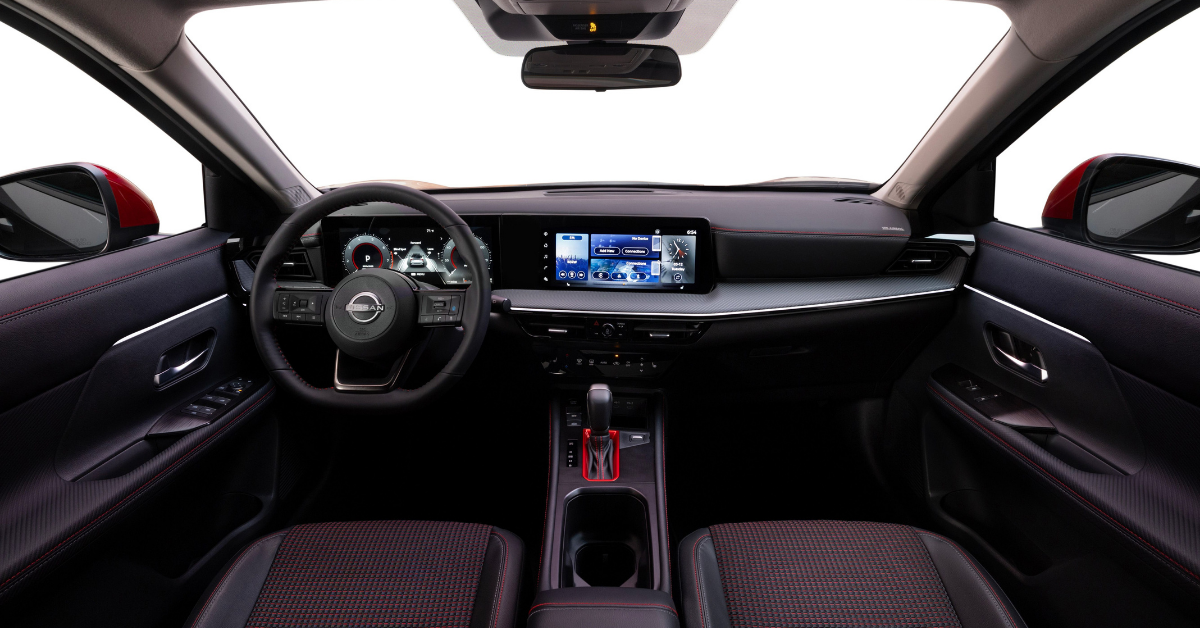
One of the most common frustrations Nissan drivers face is dealing with a frozen touchscreen. Your infotainment system is the hub for music, navigation, and communication, and when it locks up, it can throw off your entire drive. Knowing the possible causes behind this issue can save you time, stress, and unnecessary repairs.
There are seven main reasons why a 2025 Nissan infotainment freeze may occur, ranging from minor software glitches to hardware or electrical problems. By understanding these causes, you’ll be better prepared to answer the question, “why is my Nissan screen not working?” and take the right steps toward a Nissan multimedia system troubleshooting process or touchscreen reset.
1. System Software Glitches
A Nissan touchscreen frozen issue often starts with a simple software glitch. These short-term faults are common in digital systems and can cause the screen to stop taking touch input. Many drivers first notice it when asking, “why is my Nissan screen not working?”
The good news is that most of these glitches are easy to fix. A quick reboot is often all it takes. In fact, a Nissan frozen touchscreen reset can clear the problem in minutes and restore full use.
Common signs of a software glitch include:
- The screen stops responding to touch.
- The display lags or moves slow.
- The system restarts on its own.
These glitches can affect models like the Sentra, Kicks, and Frontier, especially during daily commutes or long drives. While they may be annoying, they rarely point to major damage. Still, repeated freezes may signal a deeper issue that needs Nissan multimedia system troubleshooting.
By starting with a reset, drivers often get back on the road with a working screen. If the problem keeps coming back, it may be time to let a trained technician take a closer look.
2. Outdated System Software
One common cause of a Nissan touchscreen frozen problem is outdated system software. The infotainment system runs on code, and that code must be kept up to date. Without updates, the system may run slow, freeze, or crash. This can lead to what many call a 2025 Nissan infotainment freeze.
When the system is out of date, you may see:
- Touch inputs that lag or do not work.
- Maps or apps that fail to load.
- A screen that locks and will not reset.
Updates often fix known bugs, improve speed, and add features. They also lower the risk of a full Nissan frozen touchscreen reset being needed on the road. Drivers in the Sentra, Kicks, or Frontier may notice issues most when using navigation or streaming music.
If you find yourself asking, “why is my Nissan screen not working?”, an update may be the first step. Many updates can be installed at home, but some need Nissan multimedia system troubleshooting at a service center. By staying current with software, you can avoid many freeze issues and keep your infotainment system running smooth.
3. Corrupted System Updates
Sometimes a Nissan touchscreen frozen issue does not come from old software, but from a bad update. If the update file is broken or the SD card is damaged, the system may lock. This can trigger a full 2025 Nissan infotainment freeze and leave the screen stuck.
Common signs of a corrupted update include:
- The screen freezes right after an update.
- The system restarts again and again.
- Apps or maps fail to load at all.
Drivers of the Sentra, Kicks, or Frontier may see these issues when an update fails to install. It can be caused by weak internet, damaged update files, or power loss during the process. In some cases, a quick Nissan frozen touchscreen reset may restore function. But if the system keeps locking, it may need deeper care.
That is where Nissan multimedia system troubleshooting becomes important. A trained tech can reinstall the update or repair the fault to stop the cycle. If you find yourself asking, “why is my Nissan screen not working?”, think about the last time you updated the system. A failed update may be the reason your screen no longer responds.
4. Electrical System Issues
A Nissan touchscreen frozen issue may not always come from software. In many cases, the cause is in the power lines or fuses. If the infotainment system does not get steady power, the screen can lock or fail to start. This often feels like a full 2025 Nissan infotainment freeze.
Common electrical faults include:
- A blown fuse in the car’s fuse box.
- Loose or worn wires behind the dash.
- Power surges that cause the system to shut down.
When power is lost, the screen may stay dark or freeze mid-drive. That’s when many drivers ask, “why is my Nissan screen not working?” The Sentra, Kicks, and Frontier are just as prone to these small faults as larger models. A simple fuse swap may fix the issue.
In other cases, a Nissan frozen touchscreen reset may get the screen back online. But if the same issue keeps coming back, the best move is to seek Nissan multimedia system troubleshooting at a service center. A trained tech can trace the power flow and find the root of the fault. By checking the car’s fuses and power lines first, you can rule out many common causes of screen freeze.
5. Temperature-Related Problems
Weather can play a big role in how your infotainment system works. Heat and cold both put stress on digital parts. In some cases, this leads to a Nissan touchscreen frozen problem. Drivers may think it’s a full 2025 Nissan infotainment freeze, when the system is just slow to react.
How temperature impacts your screen:
- Cold mornings can make the screen load slow.
- Heat waves can push parts into safe mode.
- Rapid shifts in weather can strain the unit.
If you drive a Sentra, Kicks, or Frontier, you may notice these issues most when parked outside. A hot dash in the summer or frost in winter can both affect touch response. Often, the screen will start to work once the car warms or cools. But if the freeze does not pass, a Nissan frozen touchscreen reset may be needed.
In cases where the screen locks often, Nissan multimedia system troubleshooting may find damage from heat or cold. Many drivers ask, “why is my Nissan screen not working?” The answer may be as simple as the weather. Taking steps to shield your car from harsh sun or frost can help prevent future issues.
6. Hardware Connection Issues
Not every Nissan touchscreen frozen issue comes from software or heat. Sometimes the cause is in the hardware itself. Loose plugs, worn wires, or a weak digitizer can all stop the screen from working. This often feels like a full 2025 Nissan infotainment freeze.
Signs of a hardware fault include:
- The screen cuts out when you hit a bump.
- Touch works some days but not others.
- The display flickers or shows lines.
These issues often show up in high-mileage cars like the Sentra, Kicks, or Frontier. Wear over time can shake loose wires or cause small parts to fail. A quick Nissan frozen touchscreen reset may bring the screen back for a short time. But when the root cause is hardware, the fix rarely lasts.
This is where Nissan multimedia system troubleshooting becomes key. A tech can check plugs, test the digitizer, and replace parts as needed. When drivers ask, “why is my Nissan screen not working?”, the answer may be a weak link deep in the system. With the right repair, the screen can work like new again.
7. USB Device Conflicts
A common cause of a Nissan touchscreen frozen issue is a conflict with connected USB devices. When phones, flash drives, or other gear are linked, they may overload the system. This can lead to a 2025 Nissan infotainment freeze that feels sudden and frustrating.
In many cases, the screen may not respond, leaving drivers asking, why is my Nissan screen not working? This problem happens in different models, including the Sentra, Kicks, and Frontier. If the system is asked to handle too much data, it can lock up and stop working. When this happens, basic Nissan multimedia system troubleshooting can help.
Try these steps:
- Unplug all USB devices.
- Restart the car to refresh the system.
- Plug in only one device at a time.
- Perform a Nissan frozen touchscreen reset if the screen does not respond.
By checking for USB conflicts first, many screen problems can be fixed without a service visit. This keeps the system simple and helps drivers get back on the road with less stress.
Nissan Touchscreen FAQ: Quick Answers to Common Issues
Why is my Nissan touchscreen frozen?
A Nissan touchscreen may freeze due to USB conflicts, software glitches, or too many apps running.
How can I reset a frozen Nissan infotainment system?
You can reset a frozen Nissan infotainment system by holding the power button for about 10–20 seconds until it restarts.
Does extreme temperature affect the screen?
Yes, both hot and cold temperatures can slow or freeze the screen until the system stabilizes.
Can outdated software cause screen issues?
Yes, outdated software can lead to touch response delays, glitches, or a full 2025 Nissan infotainment freeze.
When should I take my car in for service?
If the screen freezes often, will not reset, or shows errors after updates, it’s time for service.
Stay Informed and Connected
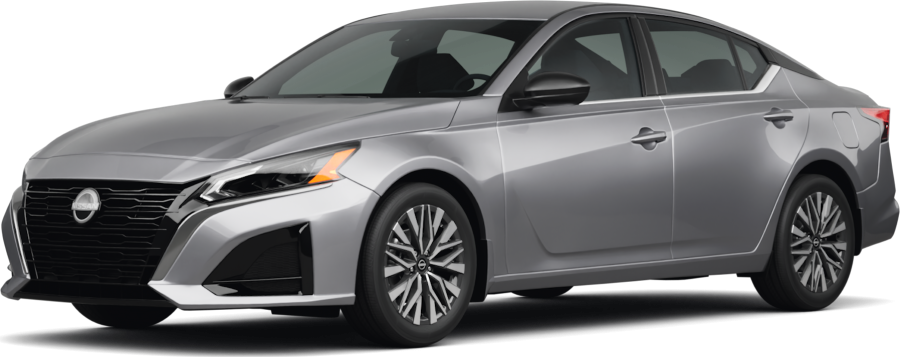
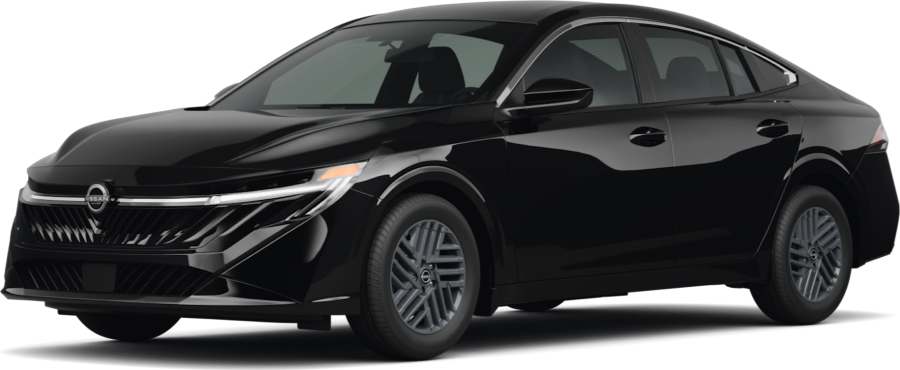
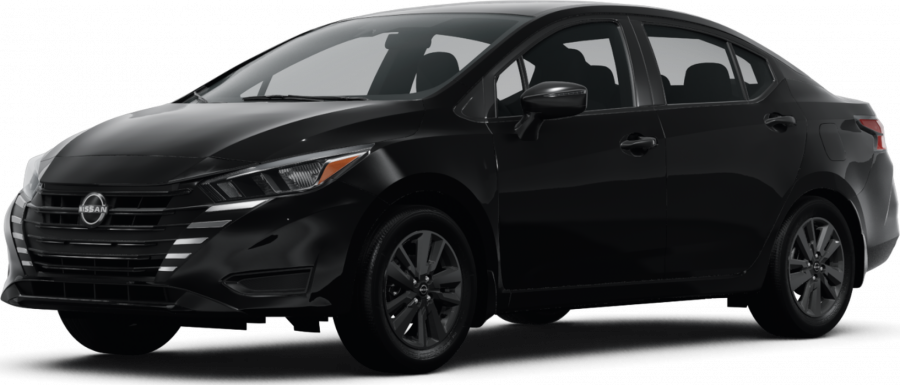
If your screen is still slow or frozen, Nissan of Van Nuys can help. Drivers in Van Nuys, Valley Glen, Studio City, and Burbank are welcome to view our wide selection of vehicles, including the Sentra, Kicks, and Frontier. We also share tips for other car issues you may face. If you have seen a collision warning light blinking, our guide explains what it means.
If you find your Nissan car door is stuck, we show how to fix it. You can also check our list of fluids to check regularly so your car stays in good shape.
For more support, Contact us or Stop by Nissan of Van Nuys today. Or keep reading through our site to learn about other common issues, like what to do when you see a no key detected message.
Get Directions to Nissan of Van Nuys
Disclaimer: All information is provided for general informational and entertainment purposes only. While we strive for accuracy, we cannot guarantee that all content is complete, current, or error-free. Any reliance you place on such information is strictly at your own risk. This article may include opinions and is not endorsed by, or officially affiliated with, any vehicle manufacturer or brand. Always consult official sources – such as the vehicle’s owner’s manual, authorized dealerships, or certified professionals – for the most up-to-date and personalized information.



 VIN: 1N4BL4BV1LC180288