
Seeing the dreaded “No Key Detected” message flash across your dashboard can be frustrating—especially when you're in a rush and your Nissan Sentra, Rogue, or Frontier refuses to start. But before you panic or assume the worst, there are several quick fixes and smart steps you can take to get back on the road. Whether it's a weak key fob battery, signal interference, or something more technical, this guide breaks down exactly what you need to know to resolve the issue.
Here’s what you’ll learn: how to check and replace your Nissan key fob battery, how proximity impacts detection, how to use your vehicle’s manual start method, and what signal interference or vehicle battery problems might be causing trouble. We’ll also walk through how to identify physical damage to your key fob, when to test a spare, and when it's time to bring your vehicle in for professional help. From simple DIY checks to dealership-level diagnostics, this guide covers everything Van Nuys drivers—and those in nearby Studio City, Burbank, and Valley Glen—need to fix that pesky “Nissan key not detected” error.
If you're still stuck after trying these solutions, Nissan of Van Nuys is here to help with expert service and reliable answers. Give us a call or stop by—getting your Nissan back to full functionality is our priority and explore our wide selection of vehicles.
Weak Fob Battery Could Stop Key Detection
One of the most common reasons your Nissan displays a “No Key Detected” message is a weak or dead key fob battery. If your Sentra, Rogue, or Frontier isn’t starting or unlocking as it should, this is the first thing to check.
A dying battery can cause all sorts of problems. Sometimes, your car might not respond at all. Other times, it may only work when you hold the fob close to the start button. If you’ve seen a “Nissan key not detected” alert, your fob battery might be to blame.
Here are the signs of a weak or dead key fob battery:
- You have to press the button more than once
- The range is shorter than usual
- The “No Key Detected” message flashes on your dash
- Your vehicle won’t start, even when the fob is inside
If you’re seeing a “no key detected Nissan Sentra” warning, or something similar in your Rogue or Frontier, replacing the battery may solve the issue fast.
How to Replace Your Nissan Key Fob Battery
Most Nissan key fobs use a coin-style battery—either a CR2032 or CR2025.
Follow these easy steps:
- Slide the mechanical key out of the fob.
- Use a flat tool (or your key) to gently pry open the case.
- Remove the old battery.
- Insert a new CR2032 or CR2025 with the positive (+) side facing up.
- Snap the fob back together and reinsert the key.
Make sure your hands are dry and clean. Oils or water can damage the contacts inside.
| Battery Type | Common Models |
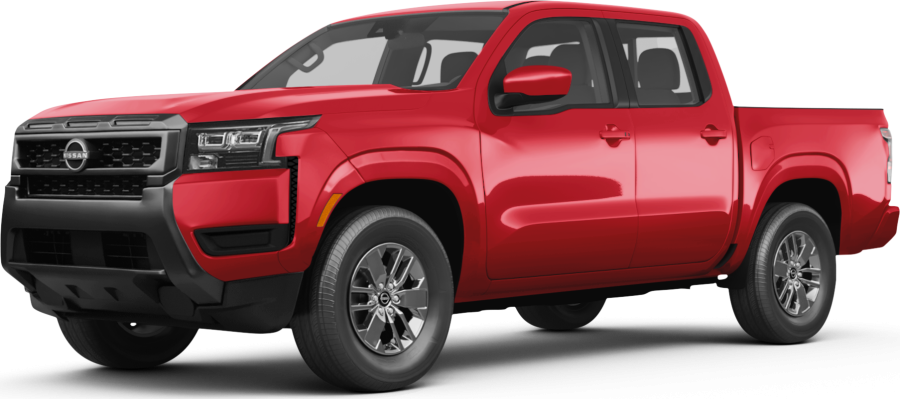
| CR2032 | Sentra, Rogue, Altima, Kicks, Versa, LEAF |
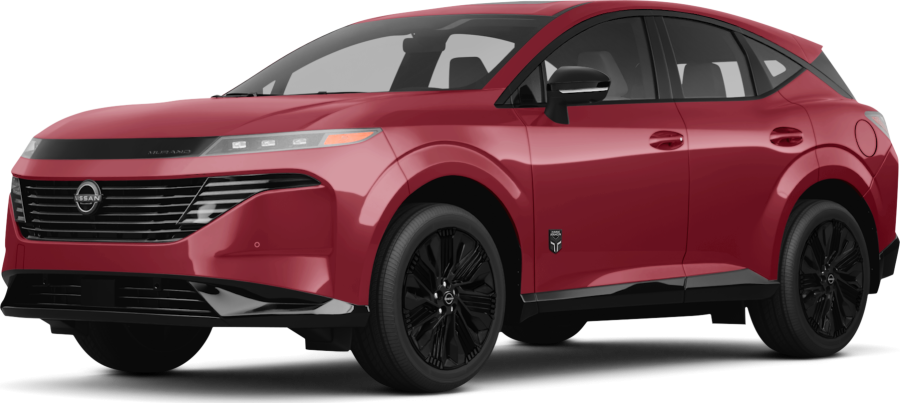
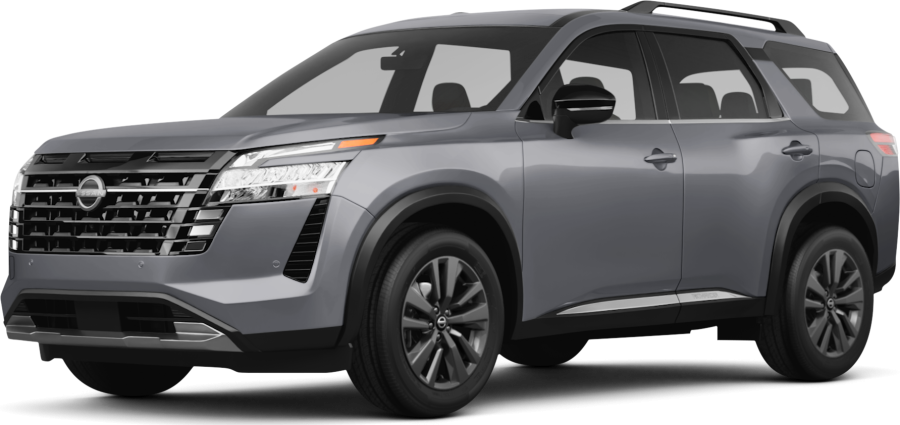
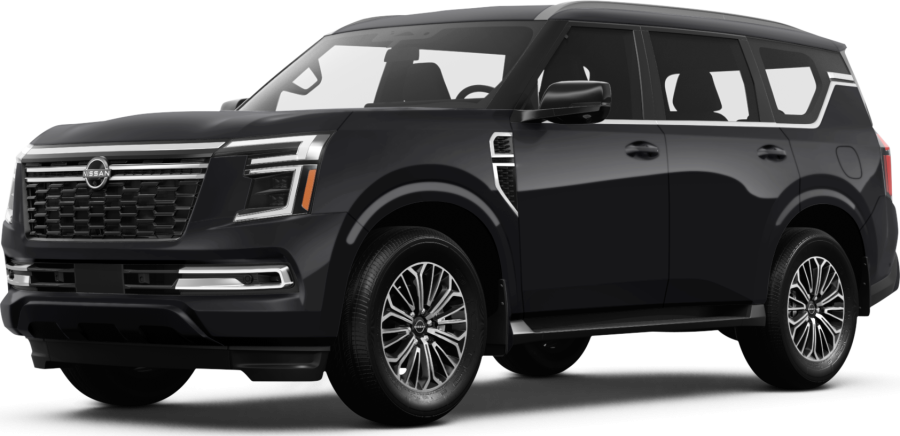
| CR2025 | Frontier, Pathfinder, Murano, Armada |
Helpful tips:
- Always carry a spare fob battery in your glove box.
- Replace your battery every 12–18 months, even if it still works.
- If the issue continues after battery replacement, the fob may have deeper damage.
When you see the “Nissan no key detected” warning, don’t panic. Start with the simplest fix—your key fob battery. It’s a quick and low-cost solution that often gets your car back to normal in minutes.
Still getting the “Nissan Sentra no key detected” message after replacing the battery? Keep reading—we’ll cover other steps to try next.
Key Fob Too Far or in the Wrong Spot
If your Nissan says “No Key Detected,” it may be because the key fob is too far from the car’s sensor. This is an easy fix, but it's often missed. It can happen with any model, whether you're driving a Sentra, Rogue, or Frontier.
The key fob must be close to the start button or sensor area. If it’s in a deep bag, under metal, or blocked by other items, the signal might not reach the car. That’s when you might see the “Nissan key not detected” warning.
In models like the Sentra, a misplaced key is one of the top reasons drivers report the “no key detected Nissan Sentra” message.
Check These Common Key Fob Placement Issues:
- Fob is in a purse or bag with metal items
- Fob is in the back seat or trunk
- Fob is near a phone, laptop, or tablet
- Fob is too far from the driver's seat
- Fob is blocked by your body or clothing
Try holding the key fob:
- Near the START/STOP button
- On your lap while in the driver’s seat
- Away from electronic items
| Action | What It Helps |
| Move key closer to button | Boosts signal strength |
| Take key out of your bag | Removes signal blocks |
| Avoid metal near the key | Stops signal loss |
Even if the battery works fine, bad placement can still cause problems. Some drivers of the Frontier or Rogue may find this happens in parking garages, near power lines, or in areas with high signal noise.
When your screen shows “Nissan no key detected,” step one is always to check the fob’s location. Make sure it’s close, clear, and not hidden behind anything. If you’re still seeing the “Nissan Sentra no key detected” alert, it may be time to try a backup method or move to the next step.
Are Other Devices Blocking Your Nissan Key Fob Signal?
Signal Interference Be Blocking Your Key Fob
If your Nissan shows “No Key Detected” but your fob battery is fresh and the fob is nearby, interference could be the cause. Wireless signals from other devices can block or weaken your fob’s signal. This is more common than most drivers think.
Many things in your car or around you can cause this issue. You might see “Nissan key not detected” on the screen without warning. It can happen in a Sentra, Rogue, or Frontier—especially in crowded areas with lots of signals.
Common Causes of Signal Interference:
- Cell phones placed near the key fob
- Laptops, tablets, or wireless headsets
- Wi-Fi routers and Bluetooth devices
- Parking near large power sources or metal walls
- Underground garages or near security systems
| Interference Source | How It Affects Your Fob |
| Phone in the same pocket | Can block the fob's signal |
| Wi-Fi/Bluetooth devices | Interfere with wireless range |
| Garage gates or alarms | Add extra signal noise |
| Metal bags or cases | Trap or reflect the signal |
To fix this, move your key fob away from other electronics. Try holding it by itself, close to the start button. Step outside if you’re parked near big power boxes or underground. If you’re driving through areas like Valley Glen or Studio City with dense buildings, you might see more signal issues.
This type of interference is one of the top hidden reasons for the “no key detected Nissan Sentra” alert. If moving the fob clears the issue, then signal conflict was likely the problem. If not, you’ll want to move on to the next check.
Inspect Your Nissan Key Fob for Physical Damage
If you’ve checked the battery and ruled out signal issues, your key fob may be damaged. A broken fob can keep your car from reading the signal. This can cause your Sentra, Rogue, or Frontier to flash a “Nissan no key detected” message, even if the fob is close and the battery is new.
Key fobs are small and easy to drop. Water, wear, or hard hits can break the chip inside. When this happens, your Nissan might not respond at all.
Signs Your Key Fob May Be Damaged:
- Buttons feel loose or don’t press right
- Case is cracked or coming apart
- Fob has been dropped, crushed, or gotten wet
The message “no key detected Nissan Sentra” shows up more and more often
You can check the outside of the fob, but damage inside isn’t always easy to see. The chip or wiring might stop working even if the fob looks fine.
| Damage Type | What It Can Cause |
| Cracked case | Poor signal strength |
| Water inside | Total fob failure |
| Worn buttons | Inconsistent signals |
| Broken chip | Nissan key not detected warning |
If your backup key works but your main one doesn’t, the fob is likely the issue. Many Frontier or Rogue owners only find this out after weeks of trouble.
Getting a new fob can fix the problem. You may also need to have it programmed to your vehicle. Nissan of Van Nuys can help you with both. If your fob is damaged, a quick visit might be the fastest way to stop seeing the “Nissan Sentra no key detected” alert for good.
Key Detection System Failing
If your key fob is working and the battery is new, the issue might be inside your car. Sometimes, the key detection system itself fails. When this happens, your vehicle may not read the signal—even if the fob is nearby.
This can lead to messages like “Nissan key not detected” or “No key detected Nissan Sentra” showing up again and again. It’s a common issue in both newer and older models, including the Rogue and Frontier.
Your car uses a set of small sensors to find the fob. If one of these sensors goes bad, it might not detect the signal at all.
Signs Your Vehicle’s System May Be Failing:
- Fob works fine in one spot but not another
- Car only starts after many tries
- The “Nissan no key detected” message is random or comes and goes
- Spare key fob has the same problem
| Possible Issue | What It Does |
| Bad antenna or sensor | Blocks the car from reading the key |
| Loose wire or connection | Signal may cut in and out |
| Internal software glitch | System doesn’t respond to the fob |
In some cases, these problems can be fixed with a reset. In others, parts may need to be checked or replaced.
Owners of the Sentra often report issues where both fobs stop working. That usually points to a problem with the car—not the fob.
If you’ve ruled out the fob, battery, and signal interference, your Nissan’s system may need service. Nissan of Van Nuys can run full checks to find the fault. Whether you're in Studio City, Valley Glen, or nearby, help is close by if you're tired of seeing “Nissan Sentra no key detected” again and again.
Car Battery Causing Key Detection Issues
Your key fob may be fine. The battery in your fob may be fresh. But if your car’s battery is low, it may still show “No key detected.” This is more common than many drivers think, especially in cold weather or after long periods without driving.
The car’s key system depends on power from the main battery. When the battery is weak, the system may not read the fob. This can happen in any model, including the Sentra, Rogue, or Frontier.
Drivers who see the “Nissan key not detected” message often learn the issue is with the car’s 12-volt battery—not the key itself.
Signs Your Car Battery May Be the Cause:
- Lights dim or flicker when starting the car
- Slow or failed engine starts
- Electronics act strange or reset
- “No key detected Nissan Sentra” appears right after a failed start
| Battery Problem | What You Might Notice |
| Low voltage | Weak start, fob not found |
| Loose cables or posts | Inconsistent power to the system |
| Old battery (3+ years) | Fails in heat or cold |
If your battery is over three years old, it may be time for a check. A weak or dying battery can confuse the car’s system and trigger a “Nissan Sentra no key detected” alert.
You can try turning off all electronics and starting again. If the message still shows up, have the battery tested.
Nissan of Van Nuys can check your car’s battery and replace it if needed. This quick fix can save you from more issues down the road. Many key fob problems turn out to be battery-related, not the key or the fob itself.
Common Questions About the “No Key Detected” Message in Your Nissan Sentra
What does 'No Key Detected' mean on a Nissan Sentra?
A “No Key Detected” message means your vehicle isn’t receiving a signal from the key fob needed to unlock or start the car.
Can a weak or dead key fob battery cause this message?
Yes, a weak or dead key fob battery is one of the most common causes of this message.
What should I do if replacing the battery doesn't fix the issue?
If replacing the battery doesn’t help, check for signal interference, try a spare key, inspect the fob for damage, or contact a dealership for service.
Is there a way to start the Sentra if the key isn’t detected?
Yes, press the brake and touch the key fob directly to the START/STOP button to use the manual start method.
How do I reprogram my Nissan key fob?
You’ll need to bring your vehicle and key fob to a Nissan dealership—reprogramming requires special diagnostic tools not available to the public.
Get Expert Help and Browse Top Nissan Models in Van Nuys
If your Nissan still won’t detect the key after trying these steps, it may be time to get expert help. The team at Nissan of Van Nuys is here to make sure you get back on the road fast. We offer professional key fob diagnostics, battery checks, and full system service.
Drivers in Van Nuys, Valley Glen, Studio City, and Burbank are always welcome at our dealership. Whether you drive a Sentra, Rogue, or Frontier, we’re ready to help. Our service team knows these vehicles inside and out.
While you're here, take a moment to browse our wide selection of new Nissan models. From city-ready sedans to family SUVs, we have something for every driver.
Still deciding which compact car is right for you? You can compare the Nissan Sentra vs Honda Civic, Nissan Sentra vs Hyundai Elantra, or Nissan Sentra vs Kia K4. Each page gives you real info to help you choose the best fit.
Need more help? Call or visit Nissan of Van Nuys today. We’re happy to help with key issues—or help you find your next car.
Disclaimer: All information is provided for general informational and entertainment purposes only. While we strive for accuracy, we cannot guarantee that all content is complete, current, or error-free. Any reliance you place on such information is strictly at your own risk. This article may include opinions and is not endorsed by, or officially affiliated with, any vehicle manufacturer or brand. Always consult official sources – such as the vehicle’s owner’s manual, authorized dealerships, or certified professionals – for the most up-to-date and personalized information.
 VIN: 1N4BL4BV1LC180288